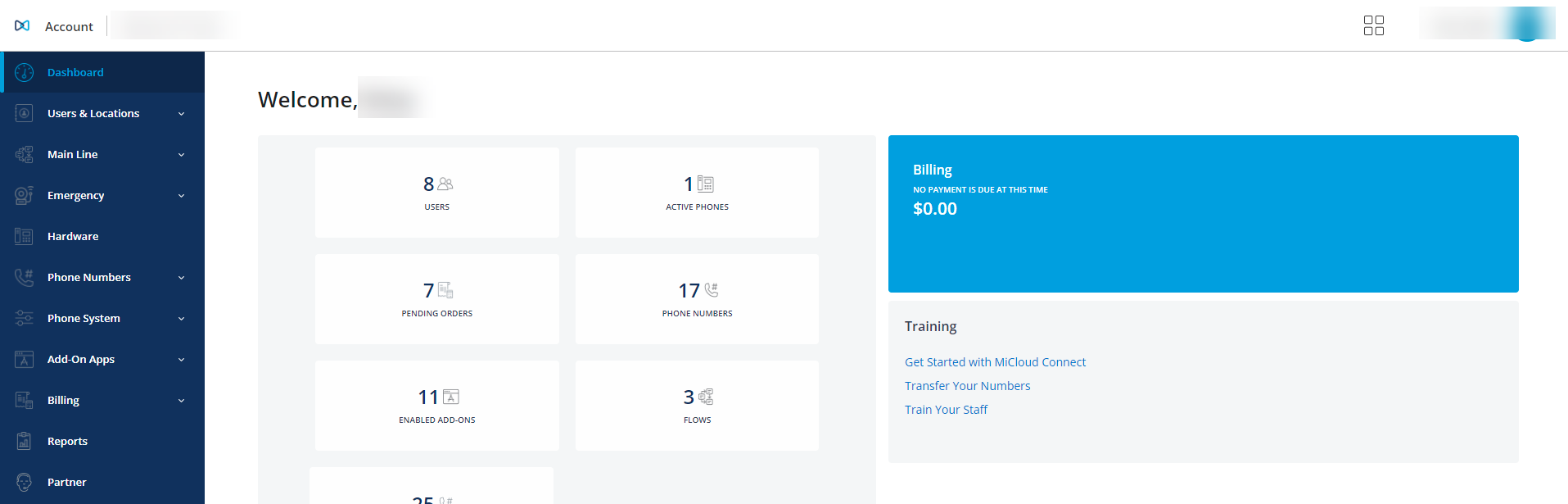
To determine which account management interface you are using, MiCloud Account Portal or MiCloud Account Console, use the following:
- Log in to the self-service user and administrator Account Portal at the URL below using your business email address (username) and user password.
portal.micc.ringcentral.com
NOTE: If you are unable to log in to the Account Portal, see the MiCloud Account Portal Log In article or ask someone else in your organization to do this.
If you log in and your screen appears with menu options similar to those shown in the image below, you are using Account Portal.

If you log in and your screen appears as shown in the image below, you are a MiCloud Admin using Account Console.